
5 Coupon Block Styles — Pick Yours
Couprix ships with five ready-to-use coupon display styles. Each targets a different content placement and conversion goal. Browse the previews below and pick the one that fits your page.
Full Card Style
The flagship layout. Displays FOMO badges (Limited-Time Deal, Verified Offer, Only 10 Left), a promo code box with click-to-copy, a bullet feature list, a brand image card, and a full-width CTA button. Best for dedicated review posts and landing pages.
Best used for
- Dedicated coupon/review posts
- Landing pages per brand
- Sidebar featured deals
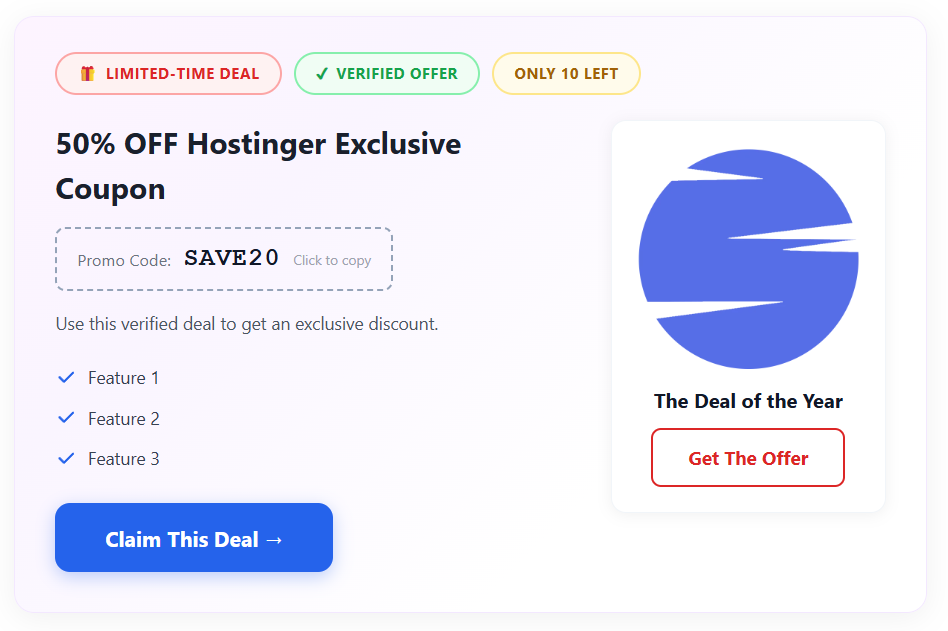
Full Card Style — actual plugin output, no custom CSS
List / Ranking Style
A stacked ranked list layout showing multiple coupons from the same brand in order. Includes a rank number, Top Pick badge, usage count, deal title, Exclusive and Verified badges, last-tried timestamp, and thumbs-up/down feedback widget. Perfect for ‘Best X Coupons’ roundup pages.
Best used for
- Best coupon roundup posts
- Multi-code comparison pages
- Category archive pages
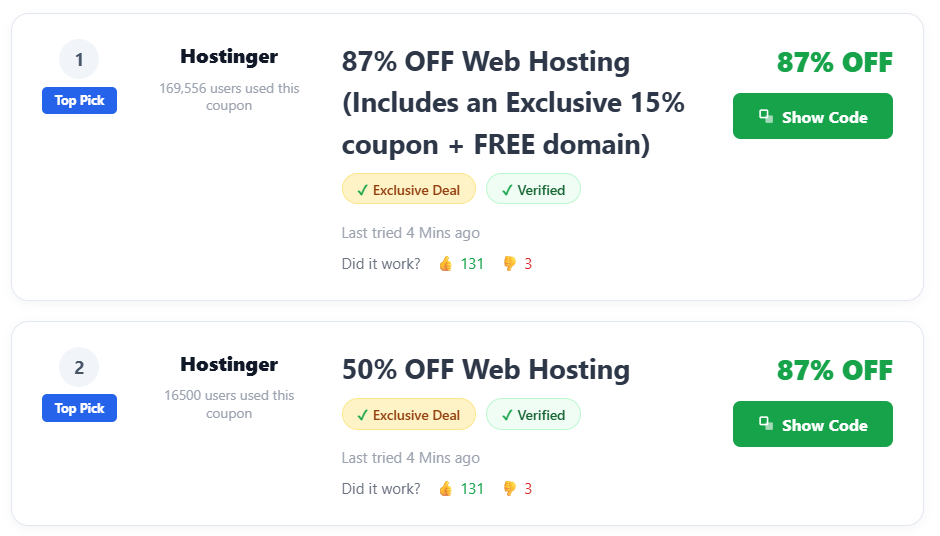
List / Ranking Style — actual plugin output, no custom CSS
Compact / Inline Style
A single-line horizontal layout showing the discount percentage, brand name, deal title, and a ‘Show Coupon Code’ button — all in one slim row. Designed for embedding inside blog post body text without interrupting the reading flow. Extremely lightweight.
Best used for
- Mid-article coupon mentions
- Resource / tools pages
- Comparison tables
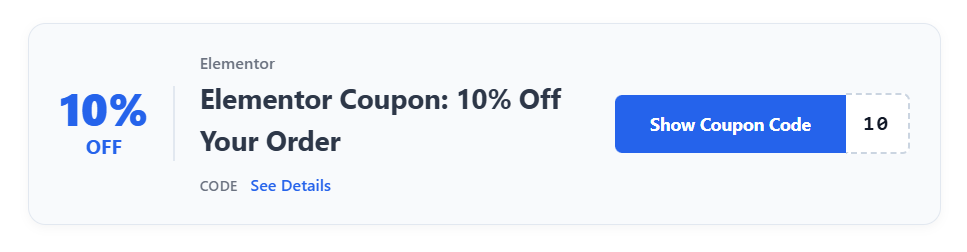
Compact / Inline Style — actual plugin output, no custom CSS
Pricing Card Style
A product pricing card that shows the deal title, billing period, discounted price in green with strikethrough original price, a prominent Get Discount button, a savings chip (e.g. ‘Save $9 – 75%’), and a View All Plans link. Ideal for hosting and SaaS pricing page embeds.
Best used for
- Hosting coupon posts
- SaaS pricing comparison pages
- Best deal roundups
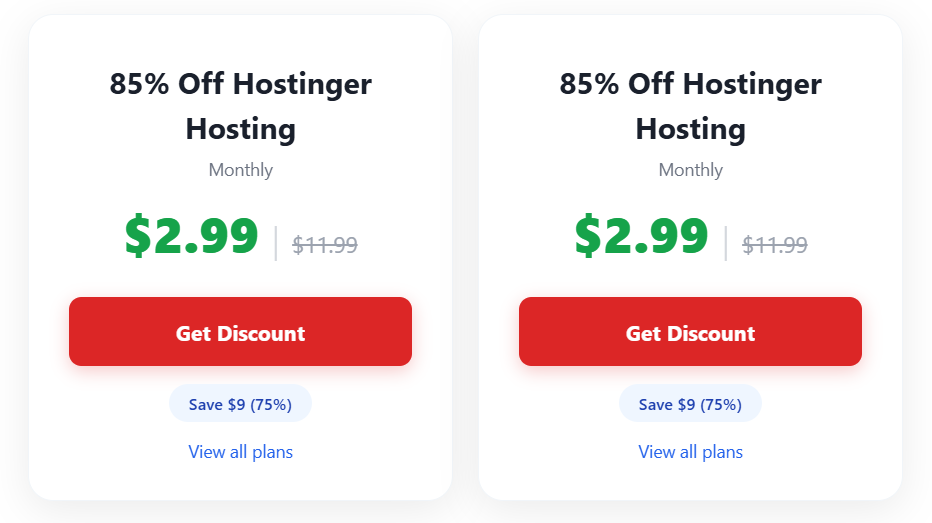
Pricing Card Style — actual plugin output, no custom CSS
Minimal / Urgency Style
A clean, minimal bar layout with the brand name, user count, deal title, Verified badge, a live countdown timer (days/hours/minutes/seconds), and a blurred View Code button. The countdown creates urgency without being intrusive. Works in any column width.
Best used for
- Seasonal sales and flash deals
- Time-limited coupon posts
- Email newsletters and popups
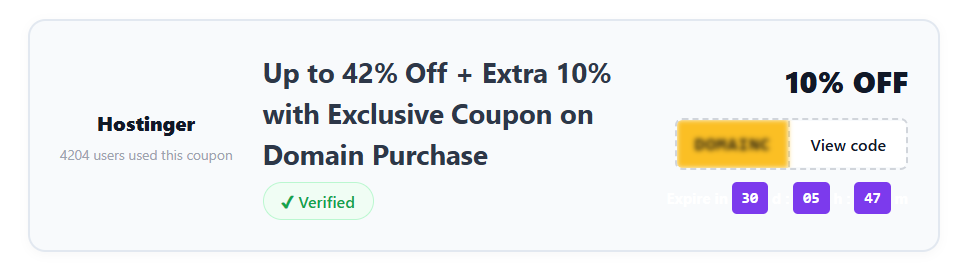
Minimal / Urgency Style — actual plugin output, no custom CSS
All 5 Styles. One Free Plugin.
No license required. No premium upsell. Install Couprix on WordPress, choose your style, and you’re live in minutes.
Search “Couprix ” in your WordPress dashboard → Plugins → Add New